
Cloud & Microsoft 365 Services
Migrate, manage, and secure your cloud with expert guidance.
Your email, files, and everyday tools should be available anywhere your team works, without becoming your second job to manage. AllGuard IT sets up Microsoft 365 for Maryland, Washington DC, and Virginia businesses, migrates email and files without data loss, and keeps everything secured, backed up, and administered day to day. That covers mailboxes, shared drives, Teams, and SharePoint, with setup, migration, and day-to-day administration handled for you.
Our Cloud Services
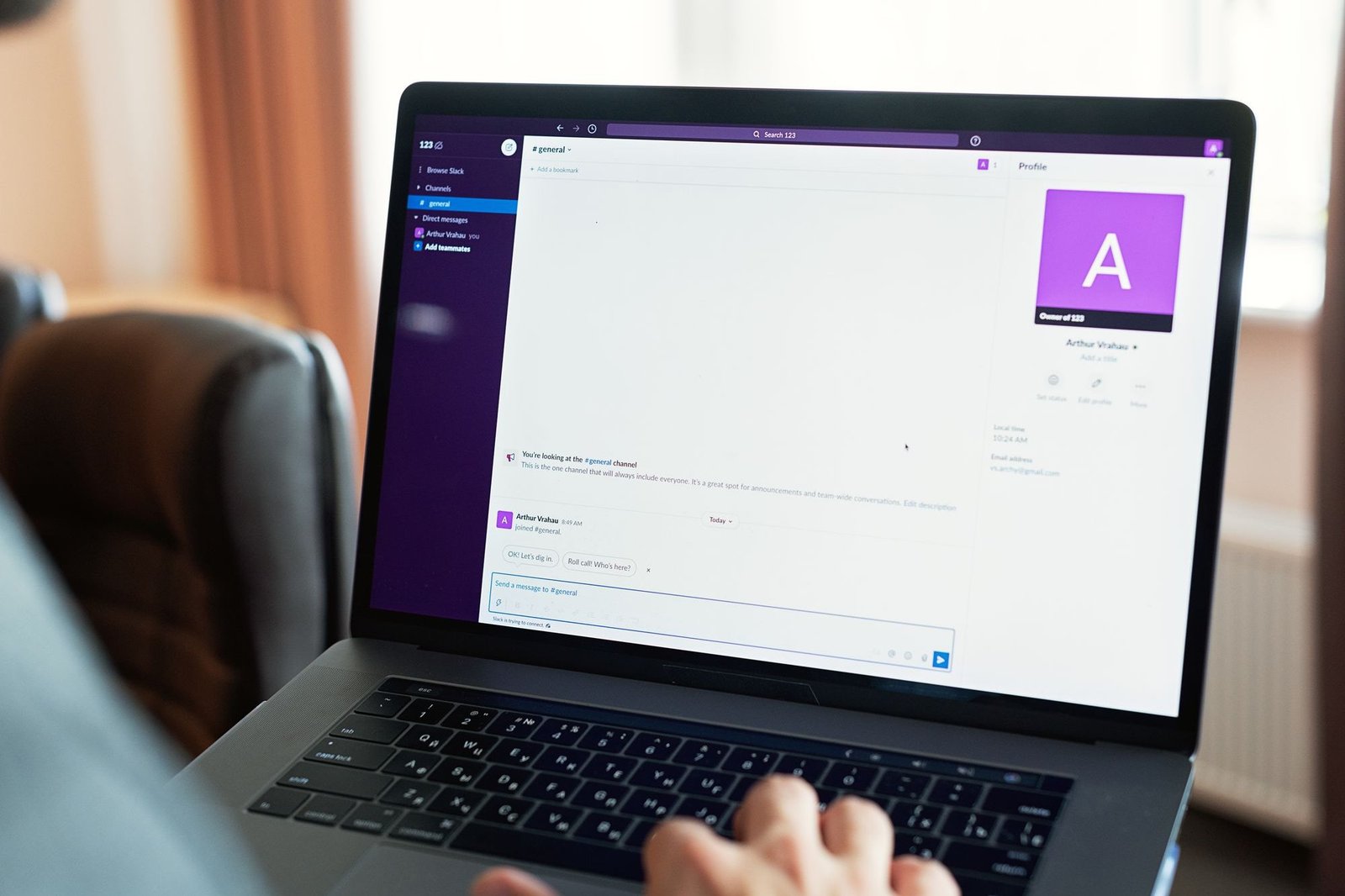
Microsoft 365 Setup & Management
Licenses, email, Teams, and SharePoint, configured correctly from the start and kept running day to day. We handle tenant setup, user administration, and license reviews, so your Maryland, Washington DC, and Virginia team gets the tools without the admin burden.
Explore →
Cloud Migration
Move email and files to the cloud on a planned schedule, with mailboxes, shared drives, and permissions carried over carefully, with the final switch usually happening overnight or on a weekend, so your team arrives to everything working.
Explore →
Microsoft 365 & SaaS Backup
Microsoft keeps its platform running, but deleted or encrypted data is your responsibility. The recycle bin isn’t a backup. We keep independent, restorable backups of your mailboxes, files, and Teams data, monitored so you know they work.
Explore →How It Works
Plan
We map what you have (mailboxes, files, licenses, and the tools your team relies on) and design the move around your schedule, so there are no surprises mid-project.
Migrate
Email, files, and settings are moved over in phases and tested as we go, planned carefully, so migrations usually complete with zero downtime for your team.
Manage
After the move, we stay on as your cloud administrators: user changes, security settings, license reviews, and backups handled for you on an ongoing basis.
Who It’s For
Offices outgrowing an on-premise server, hybrid and remote teams that need files and email everywhere, and any Maryland, Washington DC, and Virginia business tired of nursing its own email server along. If that sounds familiar, let’s talk. That means one team handling setup, migration, and ongoing management, so your staff can focus on work instead of email servers and license renewals.
Common Questions
No. We plan migrations to avoid downtime. Your team keeps working while we move things over, usually with zero interruption.
Not really. Microsoft’s retention is limited. It’s not a true backup. We provide real backups of your emails, files, and Teams data.
Yes. We handle licensing, renewals, and billing so you don’t have to track it.
Absolutely. We support both Microsoft 365 and Google Workspace, including migrations between them.
Find out what your IT is really costing you.
A free 45-minute IT Check covering your systems, security gaps, and spend, explained in plain language. Keep the report either way.
Get my Free IT Check →