
End Device Support
Secure setup, patching, and lifecycle management for all your devices.
Every laptop, desktop, tablet, and phone your team uses needs the same care: set up securely, kept updated, protected, and replaced on schedule. AllGuard IT manages that full device lifecycle for Maryland, Washington DC, and Virginia offices, so equipment arrives ready on day one and never becomes an unmanaged risk. That covers laptops, desktops, tablets, and phones, from setup to retirement.
What’s Included

Standardized Setup
Every computer is configured the same secure way before it reaches a desk: correct accounts, security settings, and everyday software in place. New staff start work immediately, and support is faster because no two machines are set up completely differently.
Patching & Updates
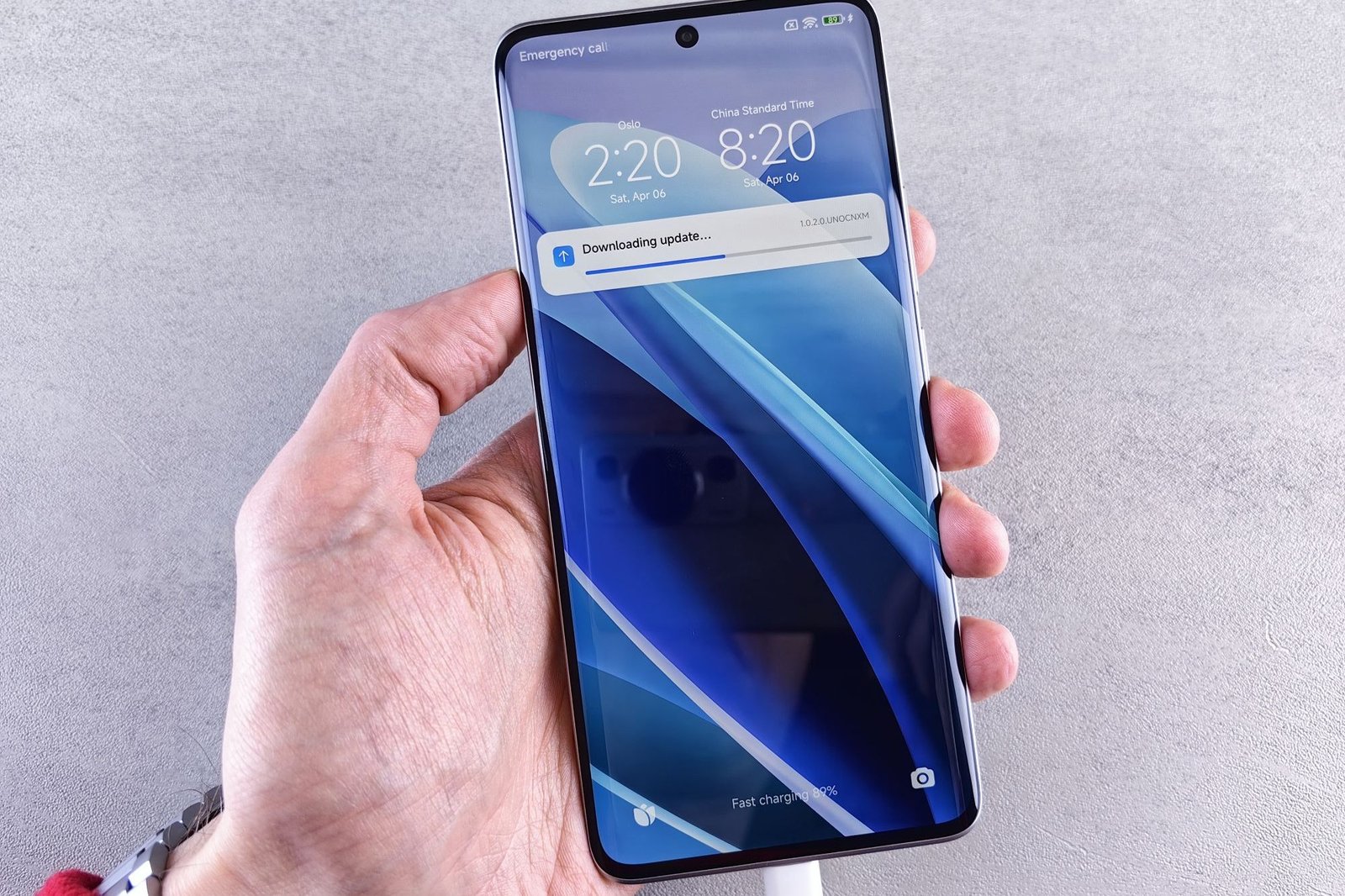
Operating systems and everyday applications are kept current automatically, with updates applied in a managed way instead of whenever a pop-up appears. Current software closes security gaps, reduces crashes, and keeps older machines running reliably for longer between replacements.
Security Policies
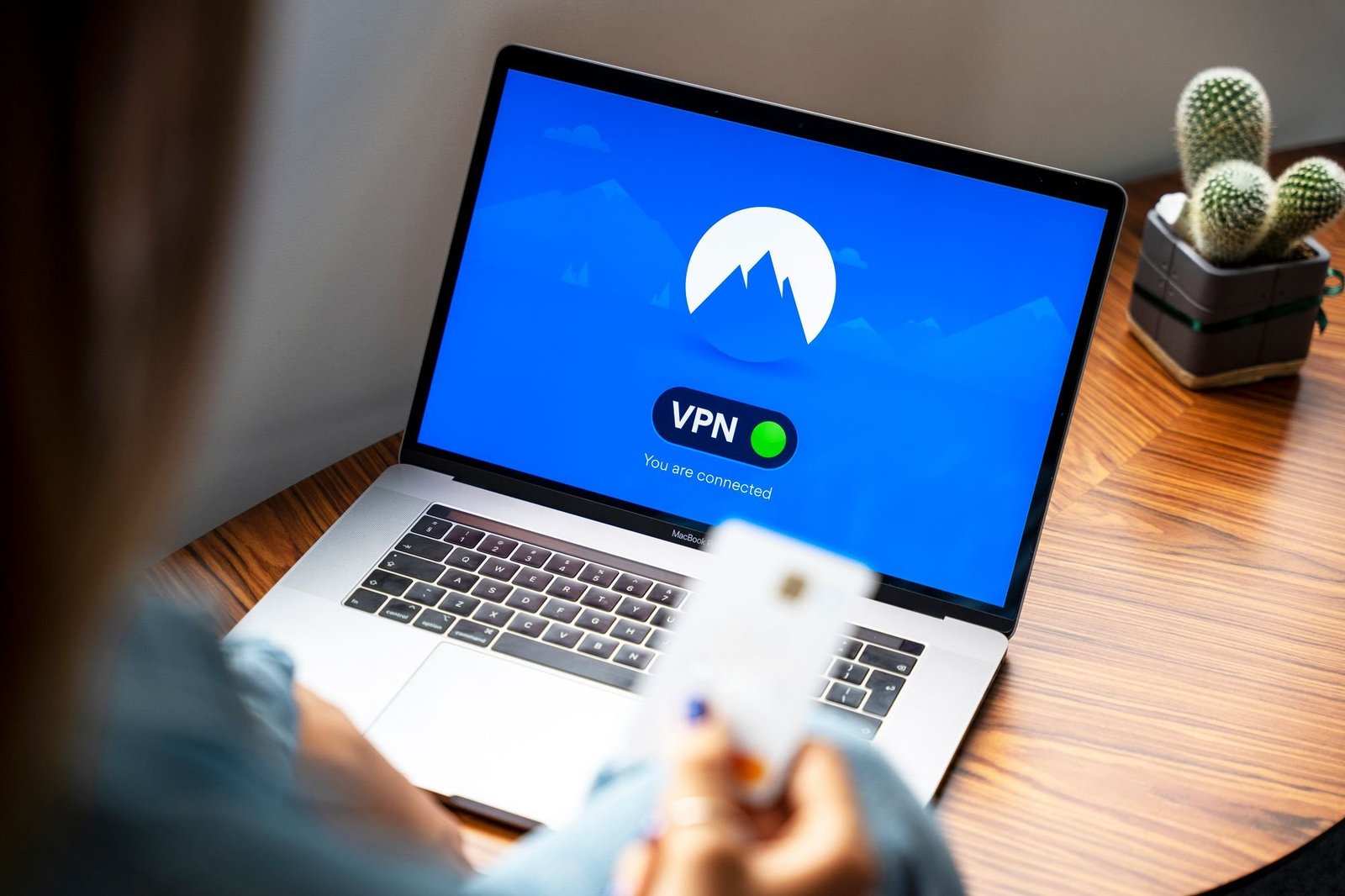
Consistent protections are enforced on every device: disk encryption, automatic screen locks, and remote wipe if a laptop is lost or stolen. If equipment disappears, your business data stays protected instead of walking out the door with the machine.
Mobile Device Support
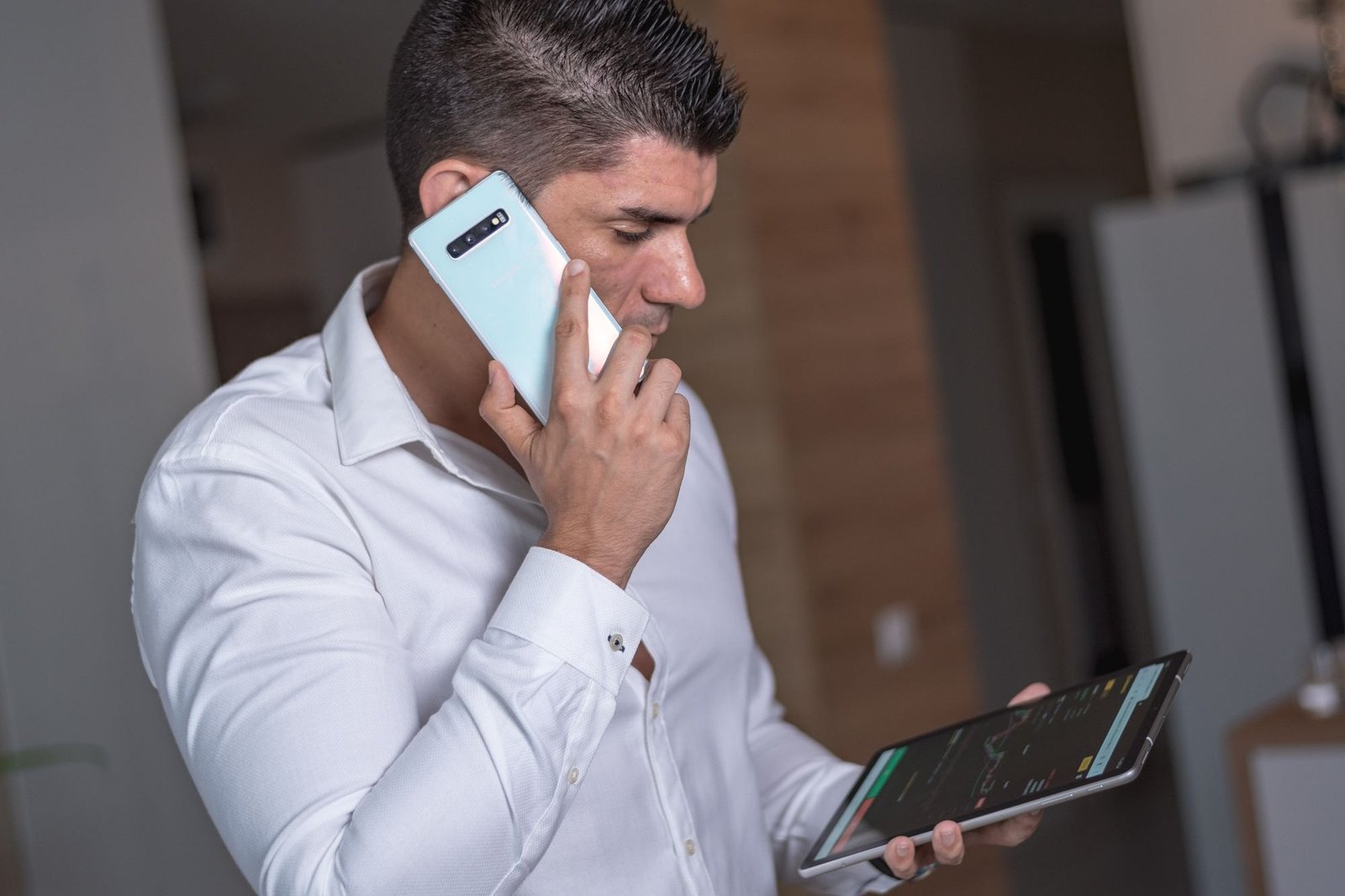
Company phones and tablets are managed alongside your computers, with the same attention to security settings, updates, and company data. Staff get devices that work for email and everyday apps, while you keep control if someone leaves the business.
Lifecycle Planning
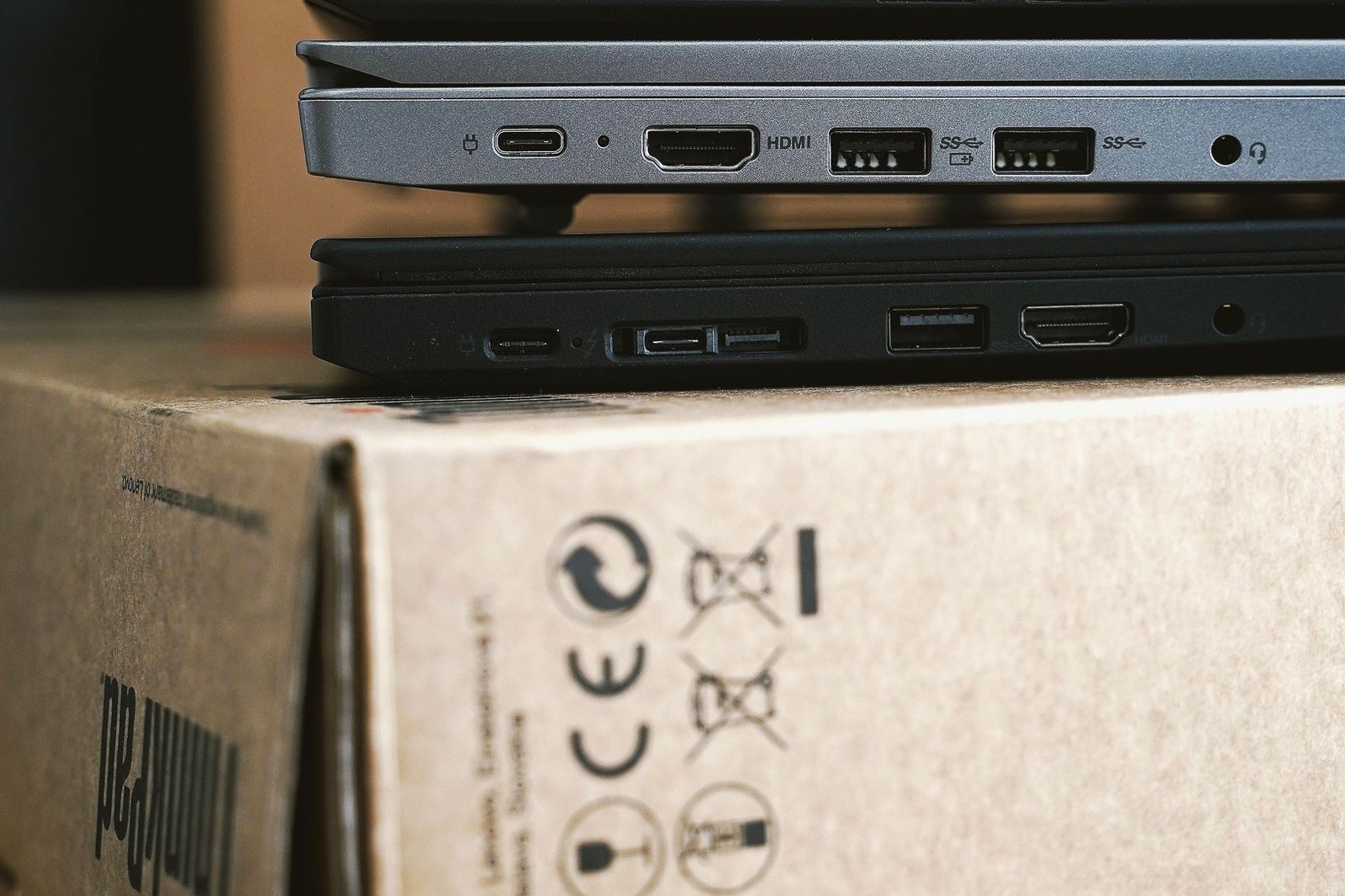
We track the age and condition of your equipment and plan replacements on a sensible schedule, so computers are retired before they fail mid-workday. Budgeting becomes predictable, staff avoid surprise breakdowns, and old devices are replaced in an orderly way.
How It Works
Inventory
We catalog every computer, laptop, tablet, and phone in your business, noting age, condition, and how each is set up. That clear picture shows which devices need attention now and which can keep working reliably a while longer.
Standardize
We apply the same baseline configuration and security policies across your devices, fixing the inconsistencies that make support slow and machines unpredictable. From here, every device follows one known standard instead of a dozen individual setups created over the years.
Manage
From then on we handle updates, ongoing support, security checks, and planned replacements as part of one service. Your team stops worrying about aging equipment, and you always know what condition your devices are in and what is coming next.
Who It’s For
End device support suits offices juggling a mix of old and new equipment, with no standard setup and no time to manage it. It is ideal for Maryland, Washington DC, and Virginia businesses with remote workers using laptops that nobody tracks, updates, or secures. It is a good fit for offices with remote workers, mixed devices, and no standard setup in place.
Common Questions
Yes. We advise on what to buy for your needs and budget, can procure through our vendors, and then set everything up to your standard, so new equipment arrives ready to use, not in a box.
Yes. Our management tools work anywhere with an internet connection, so remote and hybrid staff get the same setup, updates, and protection as people sitting in your office.
Yes, carefully. We can secure the company data on personal devices, such as email and files, without touching an employee’s personal photos, messages, or apps. Work information stays protected; private information stays private.
We securely wipe the data and retire the device responsibly, so old computers do not leave your business carrying client files, saved passwords, or email archives with them.
Find out what your IT is really costing you.
A free 45-minute IT Check covering your systems, security gaps, and spend, explained in plain language. Keep the report either way.
Get my Free IT Check →