
Email & Phishing Protection
Advanced filtering and phishing protection for your inbox.
Most breaches start with email: a fake invoice, a password reset, a message impersonating your boss. Spam filters miss the targeted ones, so AllGuard IT layers filtering, link and attachment scanning, and sender authentication over your Microsoft 365 or Google Workspace, stopping spoofed messages before they reach your team. That includes spam filtering, attachment scanning, and sender authentication for your inbox.
What’s Included

Advanced Filtering
Your email provider’s built-in filter catches the obvious junk. Ours is tuned for the targeted messages aimed at businesses like yours (phishing attempts, spoofed senders, and lookalike domains), so dangerous mail is stopped before it lands in an employee’s inbox.

Link & Attachment Scanning
Attachments and links are where modern email attacks hide. Every incoming file and web link is scanned before delivery, and malicious content is neutralized, so the attachment or link your team opens is one that’s already been checked.

Sender Authentication
SPF, DKIM, and DMARC are the checks that prove a message really came from your domain. We configure all three, so criminals can’t send fake emails that appear to come from your business to your customers or staff.

Impersonation Defense
‘Your CEO’ asking for gift cards or a ‘vendor’ announcing new bank details are classic fraud plays. Impersonation defense flags messages that mimic your executives, partners, or regular vendors, especially first-time senders asking for money, credentials, or urgent secrecy.
User Reporting
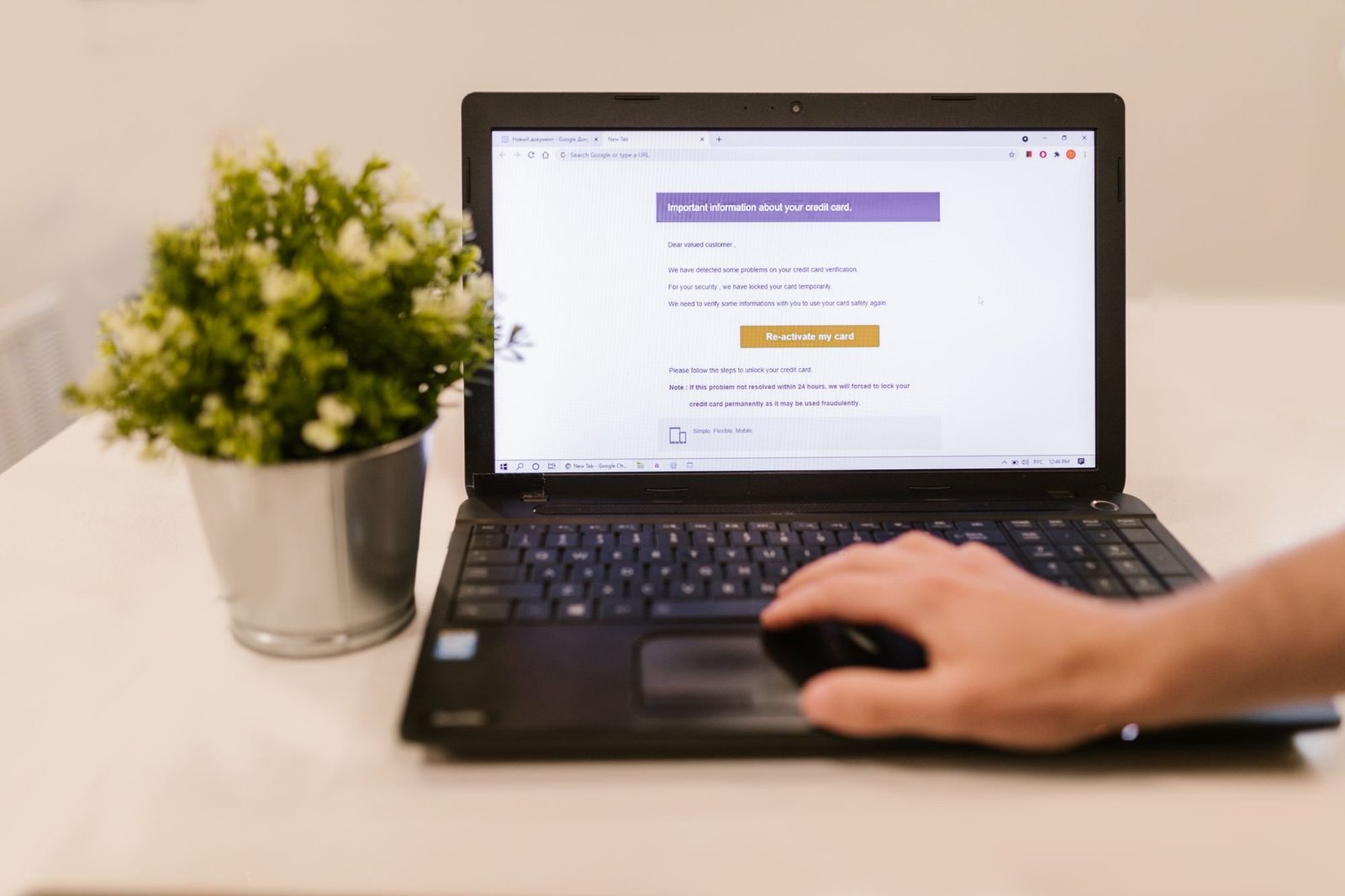
When an email looks off, your team shouldn’t have to guess what to do. A one-click ‘report phishing’ button in their inbox sends suspicious messages to us for review, turning your employees into a warning system instead of a weak link.
How It Works
Assess
We review your current email security (filter settings, authentication records, and recent phishing attempts) to see what’s already working and where targeted messages are getting through.
Deploy
We configure the filtering and sender authentication around your live mail flow, testing as we go, so your team keeps sending and receiving email normally while the new protection switches on.
Tune
Attackers change tactics constantly, so the tuning never really stops. We adjust filters as new campaigns appear, and legitimate mail that gets flagged is reviewed and released, not silently dropped.
Who It’s For
Any Maryland, Washington DC, and Virginia business that runs on email, which is every business, and especially finance and healthcare offices, or any team that has already been phished once and doesn’t want a repeat. It is especially relevant for finance, healthcare, and any team that handles money or sensitive data by email.
Common Questions
It’s a start, and we keep it, but targeted phishing is built to slip past standard filters. The email that costs a business money usually isn’t obvious spam; it’s a convincing message pretending to be your bank, your vendor, or your boss. Layered email security adds stronger phishing detection and link/attachment checking on top of Microsoft’s filtering, so the messages designed to fool the first layer meet a second one.
DMARC is the setting that tells other mail servers, “if an email claims to be from our domain but isn’t really from us, don’t trust it.” Without it, a criminal can send email that looks exactly like it came from your company: to your clients, asking them to pay a “new” bank account. Yes, you need it, and we set it up properly together with SPF and DKIM, then monitor the reports so real email keeps flowing.
Not if it’s tuned properly, and tuning is part of the service. We set the filters carefully, watch what gets caught, and review anything questionable instead of silently dropping it. If a real invoice or a client’s message is ever held, we can release it and adjust the rule. The goal is fewer dangerous emails in the inbox, not fewer real ones.
No. And anyone who tells you technology alone is enough is selling you half a solution. Filters catch most of it; trained people catch the one clever message that gets through, because they know what a phishing attempt feels like and who to ask before clicking. Technology plus trained people is the combination that actually works.
Find out what your IT is really costing you.
A free 45-minute IT Check covering your systems, security gaps, and spend, explained in plain language. Keep the report either way.
Get my Free IT Check →